
Travel Incident Command Checklist
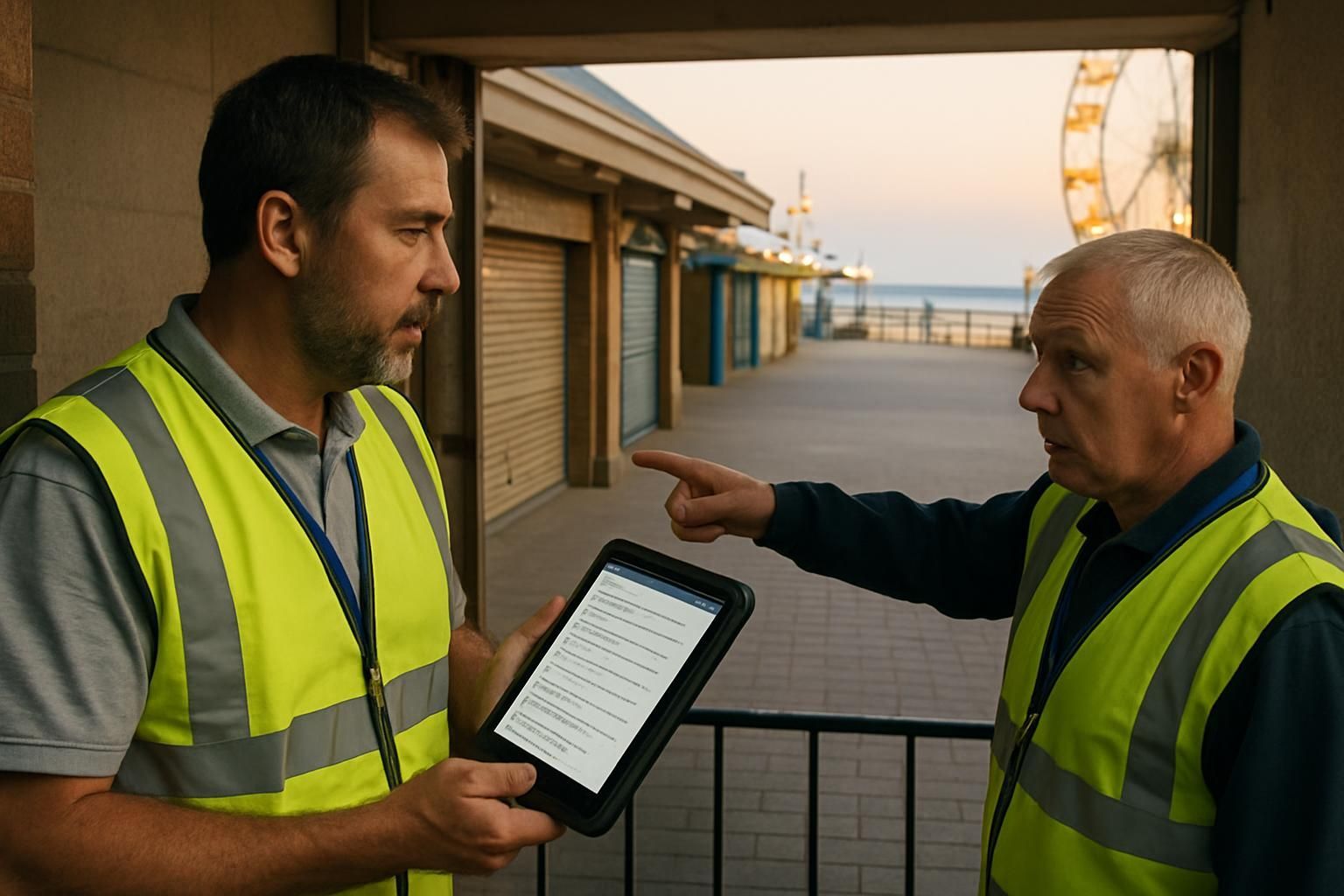
Download your incident command checklist
Please fill out the form below to access your free incident command checklist download.
About this incident command checklist
When something goes wrong on a busy day, the worst outcome is not the incident itself — it’s the confusion that follows. This travel incident command checklist gives frontline supervisors a clear, repeatable way to take control of high-impact situations like crowding, attraction downtime, medical events, severe weather, and evacuation triggers.
It’s practical on purpose: assign roles, stabilise safety, communicate clearly, coordinate across teams, and recover back to normal operations without guessing what comes next.
What this checklist covers
- Incident activation and command roles (incident lead, safety, comms, operations)
- Immediate safety actions, exclusion zones, and escalation
- Crowding and queue control to reduce density and restore flow
- Attraction downtime controls to prevent secondary crowding issues
- Severe weather actions, shelter decisions, and reopening criteria
- Guest messaging and internal updates with a consistent cadence
- Cross-functional coordination (security, engineering, guest services, food and retail, transport)
- Recovery steps and controlled return to normal operations
Who it’s for
Operations teams in travel and leisure settings — especially duty managers, supervisors, and on-the-ground incident leads dealing with peak-period risk. If your venue relies on fast decisions across multiple teams, this checklist gives you structure under pressure.
How to use it in the moment
- Start with control: capture what’s happening, where, and whether there’s an immediate life-safety risk.
- Assign roles early: one incident lead, one comms lead, one safety lead. Clarity beats speed.
- Communicate like a system: one message, one owner, one next update time.
- Reduce secondary risk: crowding often becomes the next incident if queues and pinch points aren’t managed.
- Recover deliberately: only reopen when criteria are met, and brief teams on what ‘normal’ looks like again.
Why teams standardise incident response
Incidents create noise: partial information, mixed messages, and well-meaning people taking different actions. A standard incident command checklist replaces that guesswork with a shared plan, a time-stamped log, and clear ownership. That’s how you protect guests, support colleagues, and restore performance safely.
Want this as a live, mobile checklist?
Ocasta turns incident response into a structured, trackable workflow: targeted comms to the right people, tasks with owners and due dates, and an audit-ready record of decisions and actions. Stop guessing. Start knowing.
Disclaimer: This checklist is for general guidance only and does not constitute legal, regulatory, health and safety, or professional advice. You are responsible for ensuring compliance with applicable laws, standards, and internal policies.
Included questions
Here's what's included in this incident command checklist:
Incident activation and control (10)
Confirm the incident is understood, the right people are in place, and the site is operating under a clear command structure.
-
Dropdown
What type of incident is this?
Pick the closest match. If multiple apply, choose the primary driver and note secondary impacts in the log.
-
Text
Time incident first noted
Use local time. If you have multiple reports, record the earliest known time.
-
Text
Location and affected areas
Be specific (zone, attraction name, entrance, car park, route).
-
Yes/No
Is there an immediate threat to life or serious injury?
If yes, prioritise emergency services and evacuation / shelter actions.
-
Person
Incident lead assigned
One accountable person coordinating actions and decisions.
-
Person
Safety lead assigned
Owns safety controls, exclusion zones, and safe reopening criteria.
-
Person
Guest and internal comms lead assigned
Owns messaging, channels, and update cadence.
-
Person
Operations coordinator assigned
Owns resourcing moves, closures, queue management, and recovery actions.
-
Yes/No
Incident log started and time-stamped
Record decisions, actions, times, and who approved them. This prevents guesswork later.
-
Yes/No
Command point established
Set a single location (physical or virtual) for coordination and updates.
Immediate safety actions (7)
Stabilise the situation, protect guests and colleagues, and prevent escalation.
-
Yes/No
Immediate area made safe
Stop unsafe activity, isolate hazards, and prevent access where needed.
-
Yes/No
Exclusion zone set and staffed
Use barriers and colleagues to keep clear lines, entrances, and emergency routes.
-
Yes/No
Emergency services required or on route
If yes, record who called, reference number (if provided), and meeting point.
-
Yes/No
First aid team dispatched (if relevant)
Confirm AED location and access route is clear.
-
Dropdown
Evacuation or shelter decision
Choose the current posture. You can change this as conditions evolve.
-
Yes/No
Support in place for vulnerable guests
Consider children, mobility needs, sensory needs, and language barriers.
-
Yes/No
Staff welfare check completed
Confirm breaks, hydration, rotation, and support for anyone involved in distressing events.
Crowding and queue control (6)
Reduce density, restore safe flow, and prevent secondary incidents.
-
Dropdown
Current crowding level
Use your site’s definitions where available. If unsure, pick the closest level and note why.
-
Yes/No
Pinch points identified and controlled
Entrances, narrow paths, toilets, food outlets, ride exits, transport hubs.
-
Yes/No
Route changes applied (one-way systems or diversions)
Keep emergency routes clear and signpost changes quickly.
-
Yes/No
Queue entry paused where needed
Pause entry before queues spill into walkways.
-
Yes/No
Additional staff redeployed to manage flow
Use high-visibility roles at key points. Confirm who moved and from where in the log.
-
Yes/No
Capacity controls in place
Stop entry, stagger arrivals, or manage car park / transport inflow if required.
Attraction downtime and guest experience controls (4)
Handle downtime without creating a crowding problem or a comms vacuum.
-
Dropdown
Attraction status set
Make a clear call to avoid mixed messages at the entrance.
-
Yes/No
Queue cleared safely (if applicable)
Manage expectations, keep exits clear, and avoid pushing guests into pinch points.
-
Yes/No
Alternative attractions or areas signposted
Send guests somewhere that can absorb demand without creating a new hotspot.
-
Yes/No
Guest service policy checked (refunds, re-entry, vouchers)
Follow the approved policy and record any exceptions with approval.
Severe weather actions (5)
Switch from ‘normal operations’ to ‘weather-safe operations’ with clear triggers and updates.
-
Dropdown
Weather information source confirmed
Use the most reliable source available for your venue.
-
Yes/No
Weather trigger met (per venue thresholds)
Record the trigger (e.g. lightning proximity, wind speed, heat index) in the incident log.
-
Yes/No
Outdoor areas restricted or closed as required
Include rides, water features, high structures, and exposed queues.
-
Yes/No
Shelter locations opened and staffed
Confirm capacity, access routes, and signage. Avoid creating new crowding risks.
-
Yes/No
Reopening criteria agreed and communicated
Define what ‘safe to reopen’ means and who approves it.
Guest and internal communications (5)
Keep messaging consistent, timely, and actionable — without overpromising.
-
Yes/No
Internal update sent to frontline teams
Include what’s happening, what to do now, and where to send issues or questions.
-
Yes/No
Guest message issued on agreed channels
Use PA, screens, app, and signage as appropriate. Keep it short and repeatable.
-
Yes/No
Message includes the next update time
Even if the answer is ‘we don’t know yet’, give a time you will update again.
-
Yes/No
Single source of truth set for staff
Where should teams check for the latest instruction (and avoid rumours)?
-
Yes/No
Teams reminded not to speculate with guests
Share only confirmed facts and approved messaging.
Cross-functional coordination (5)
Bring the right functions into the same picture so actions don’t clash.
-
Yes/No
Security team engaged (if applicable)
Confirm coverage of entrances, exits, and any exclusion zones.
-
Yes/No
Maintenance or engineering engaged (if applicable)
Confirm ETA, fault status, and safe isolation if needed.
-
Yes/No
Guest services engaged
Prepare for questions, refunds, rebooking, and accessibility support.
-
Yes/No
Food and retail teams aligned
Adjust staffing and stock if guests are being redirected or sheltering.
-
Yes/No
Transport and parking aligned
Manage arrivals, departures, and any holding areas.
Escalation and reporting (4)
Make escalation predictable. Capture evidence while it’s fresh.
-
Yes/No
Escalated to senior leadership as required
Record who was contacted, when, and the decision made.
-
Yes/No
Regulator or local authority notified (if required)
Follow your venue’s reporting rules. Record reference numbers.
-
Yes/No
Media and social response plan set
Confirm who can speak externally and what the holding statement is.
-
Yes/No
Photos or evidence captured safely (if appropriate)
Do not interfere with emergency response. Respect privacy and local rules.
Recovery and return to normal operations (6)
Move from response to recovery with clear safety criteria and a controlled restart.
-
Yes/No
Root hazard removed or controlled
Confirm what changed that makes it safe to move forward.
-
Yes/No
Reopening approved by the accountable role
Record who approved, when, and any conditions (restrictions, monitoring).
-
Yes/No
Teams briefed on restart plan
What is reopening first, what stays closed, and what to watch for.
-
Yes/No
Guest update issued on resolution and next steps
Tell guests what’s open, what’s changed, and where to get help.
-
Yes/No
Post-incident debrief scheduled
Set a time, owner, and attendee list while it’s fresh.
-
Yes/No
Follow-up actions captured as owned tasks
Assign owners and due dates so nothing falls into ‘we’ll sort it later’.
Sign-off (3)
Confirm the checklist reflects what happened and who is accountable for the record.
-
Text
Brief incident summary
What happened, impact, and current status in 2–5 sentences.
-
Person
Signed off by
Person accountable for the accuracy of this record.
-
Signature
Signature
Capture a signature for audit trail where required.