
Equipment Fault Triage Checklist
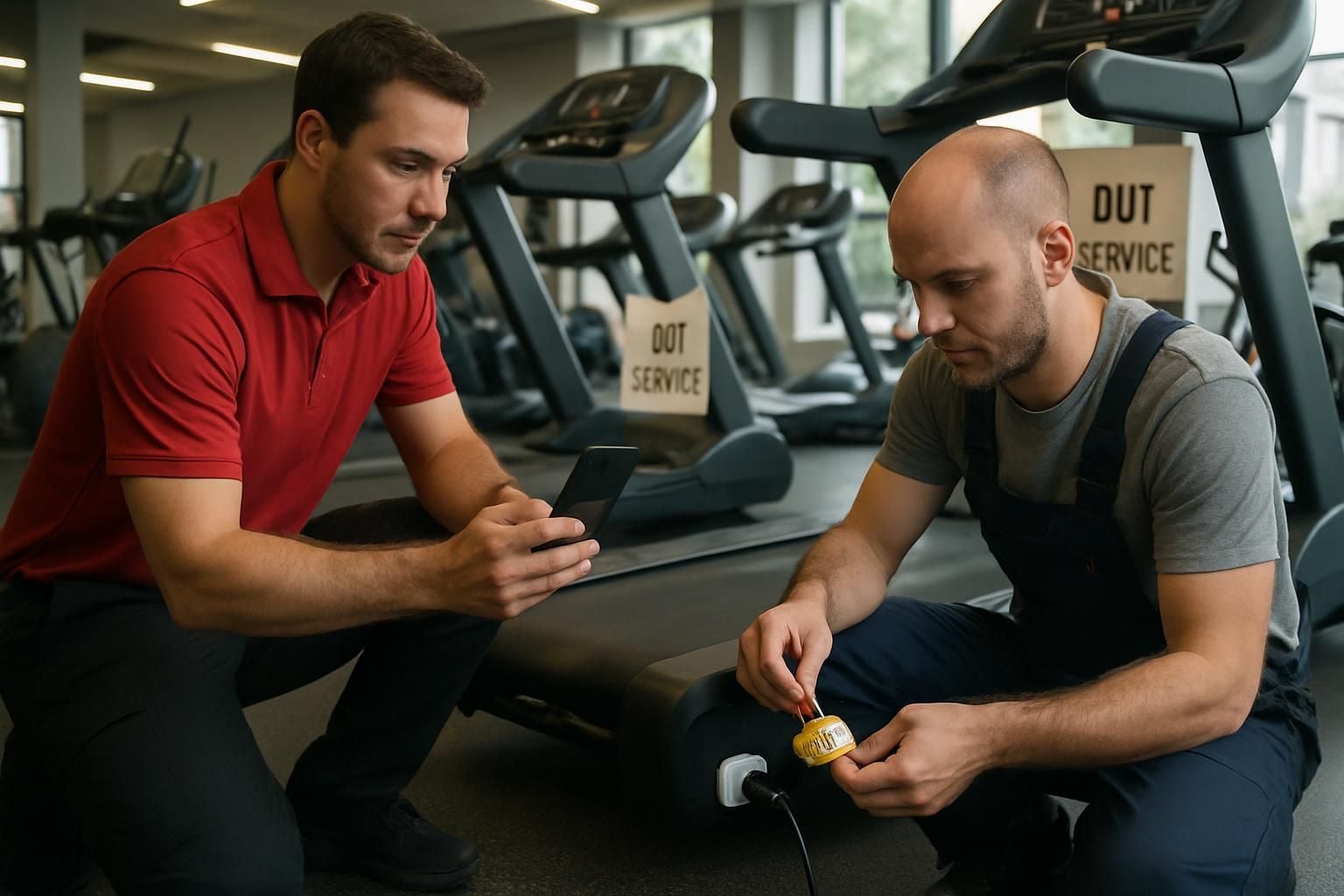
Download your equipment fault checklist
Please fill out the form below to access your free equipment fault checklist download.
About this equipment fault checklist
When a member reports faulty gym equipment, the priority is always the same: keep people safe, stop repeat use, and give maintenance the information they need to fix it fast. This equipment fault triage checklist guides staff through isolation, clear labelling, member communication, logging, escalation, and post-fix verification — so you stop guessing and start knowing what’s been done.
What this equipment fault triage checklist covers
Use this checklist any time equipment is reported as faulty, damaged, unstable, or behaving unexpectedly. It standardises the immediate response and creates clear evidence for maintenance teams.
- Immediate safety actions: clear the area, isolate power, prevent use
- Clear labelling: ‘Out of order’ signage that cannot be missed
- Fault capture: symptoms, timing, error codes, photos, previous issues
- Member communication: simple, calm messaging and alternatives
- Logging and escalation: the right priority, the right details, first time
- Reopening criteria: confirmation of repair, function test, and sign-off
Who it’s for
This checklist is for operations teams in gyms and health and fitness sites — duty managers, front desk teams, fitness floor staff, and anyone who may be first to respond when a fault is reported.
Why consistent triage reduces risk and downtime
Most equipment downtime is not caused by the fault alone — it comes from missed steps: equipment left usable, unclear signage, incomplete logs, or vague escalation. A consistent triage process reduces injury risk, prevents repeat incidents, and helps maintenance diagnose faster because the key details are captured while they’re fresh.
How to use the checklist on shift
Run the checklist as soon as the issue is reported. Start with safety and isolation, then capture the fault details before you move on to logging and escalation. Keep the equipment out of service until repair completion is confirmed and the post-fix function test has passed.
Make equipment faults measurable, not memorable
If your current process relies on someone remembering what to do (or who to tell), you’ll get inconsistent outcomes. Ocasta turns fault handling into a repeatable, auditable workflow — with clear ownership, evidence capture, and visibility for operations leaders.
Disclaimer: This checklist is for general guidance only and does not constitute legal, regulatory, health and safety, or professional advice. You are responsible for ensuring compliance with applicable laws, standards, and internal policies.
Included questions
Here's what's included in this equipment fault checklist:
Initial safety and isolation (10)
Make the area safe first. Prevent use, prevent injury, then capture the facts.
-
Text
What time was the fault reported?
Use 24-hour time (for example, 14:35).
-
Text
Who reported the issue?
Member name (if provided) or staff name.
-
Dropdown
What type of equipment is it?
Choose the closest match.
-
Text
Equipment ID / asset tag
If you cannot find it, record the exact location and a clear description.
-
Text
Where is the equipment located?
For example: Gym floor, cardio row, bay 3.
-
Yes/No
Is there an immediate danger to people (sparks, burning smell, sharp edges, instability)?
If yes, stop use immediately and follow your site emergency procedure if needed.
-
Yes/No
Have you made the area safe (clear users, create space, remove trip hazards)?
If needed, cordon off the area around the equipment.
-
Dropdown
How was the equipment isolated?
Select what you did. If you could not isolate safely, record why and escalate immediately.
-
Yes/No
Is clear 'Out of order' signage in place?
Place signage where it cannot be missed. Include date, time, and your name/initials.
-
Dropdown
How have you prevented use?
Choose the strongest control available on your site.
Capture the fault details (8)
Give maintenance what they need to diagnose quickly — without guesswork.
-
Text
Describe the symptoms
What happened, what you saw/heard/smelled, and what the member/staff was doing at the time.
-
Dropdown
When does the fault occur?
This helps narrow down the cause.
-
Yes/No
Is there an error code or warning message displayed?
If yes, record it exactly as shown.
-
Text
Error code / warning message details
Include any numbers, letters, and wording.
-
Dropdown
Was there an injury or near miss?
If anything happened to a person, follow your incident reporting process as well.
-
Yes/No
Have you taken photos (and video if relevant)?
Capture the full equipment, the asset tag, the fault area, and any error message.
-
Yes/No
Has this equipment had the same issue before?
If yes, include what happened last time and any recent work done.
-
Dropdown
Any recent changes that might be linked?
Select all that apply (choose the closest single option if your form only allows one).
Communicate and protect the member experience (3)
Keep members informed and safe, without creating confusion or mixed messages.
-
Yes/No
Have you informed members nearby that the equipment is out of use?
Offer an alternative option where possible.
-
Dropdown
What alternative did you offer?
Choose the closest match.
-
Dropdown
Who have you notified internally?
Make sure the right people know so the equipment does not get put back into use.
Log and escalate with the right priority (6)
A good log gets the right fix, faster — and creates evidence if something escalates later.
-
Yes/No
Have you logged the issue in the maintenance system?
If you do not have a system, record where you logged it (for example, spreadsheet, email, logbook).
-
Text
Log reference number
Ticket ID, job number, or email subject reference.
-
Dropdown
Set the priority level
Base this on safety risk and operational impact, not convenience.
-
Yes/No
Has the issue been escalated to maintenance with the key details?
Include symptoms, asset tag, location, photos, and priority.
-
Yes/No
Did anyone attempt a temporary fix?
Only record what was done. Do not attempt repairs unless authorised and trained.
-
Text
Temporary fix details
What was done, by whom, and the outcome.
Reopening criteria and post-fix verification (7)
Do not remove signage until you have evidence it is safe and working as expected.
-
Yes/No
Has maintenance confirmed the repair is complete?
If no, the equipment stays out of service.
-
Yes/No
Have you received repair notes and any parts replaced details?
Record what was done for future reference.
-
Yes/No
Have you completed a post-fix function test?
Test the basic functions and any area related to the fault (for example, speed changes, resistance changes, emergency stop).
-
Dropdown
Post-fix test result
If it fails, keep it out of use and re-escalate immediately.
-
Yes/No
Have you removed 'Out of order' signage only after a confirmed pass?
This is your final control to prevent accidental use.
-
Text
What time was the equipment returned to service?
Use 24-hour time (for example, 16:10).
-
Signature
Final sign-off
Sign to confirm the equipment is safe to use and the checklist is complete.