
Missed Checklist Follow-up Checklist
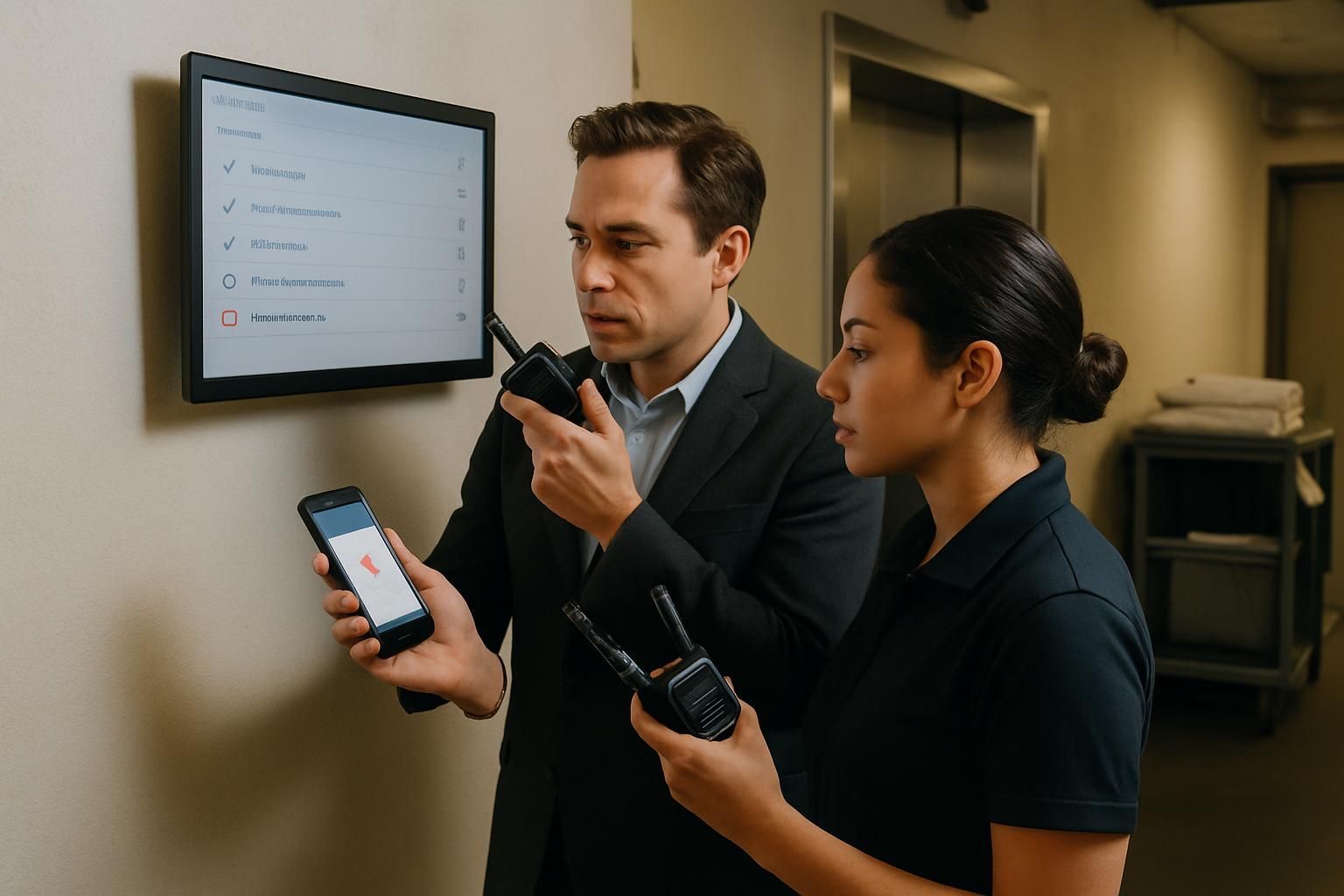
Download your missed follow-up checklist
Please fill out the form below to access your free missed follow-up checklist download.
About this missed follow-up checklist
A missed checklist is rarely “just admin”. It is a signal that something in the operation did not happen when it should — and that creates risk, rework, and avoidable firefighting. This missed checklist follow-up checklist gives operations teams a consistent way to confirm what was missed, assess the risk, take immediate action, escalate when needed, and close the loop with prevention.
Use it whenever a daily, weekly, or shift-based checklist is overdue or incomplete. The aim is simple: stop guessing. Start knowing what happened, what it means, and what you are doing about it.
What this missed checklist follow-up checklist covers
- Preparation checks to confirm the facts (what was missed, when, and by who)
- In-process checks to make sure the gap is closed properly, not backfilled
- Escalation criteria based on risk and repeat behaviour
- Close-out actions that prevent the same miss happening again
When to use it
This checklist fits best when the operation depends on consistent routines across shifts and sites — for example retail stores, hospitality venues, depots, and multi-site service teams.
- A daily opening or closing checklist is overdue
- A compliance or safety check was not completed on time
- A manager or area team spots a pattern of missed checks
- A device, access, or process issue prevents completion
How to run the follow-up without creating blame
Start with evidence, not assumptions. Confirm whether the checklist was genuinely missed (not completed offline, duplicated, or logged late), then focus on impact: what risk does the checklist control, and what needs to happen now to restore the standard?
Finally, treat prevention as part of the work. If the root cause is unclear ownership, a broken handover, or an out-of-date checklist, fix that — otherwise you will chase the same miss again next week.
Escalation criteria you can standardise
Escalate based on risk and time, not on seniority or who is on shift. Common triggers include safety, security, or compliance checks; repeated misses in a short period; no response from the owner; or clear customer impact.
Make it measurable
If you want this to drive performance (not just paperwork), track a few simple signals: hours overdue, repeat misses by checklist, and the most common reasons for misses. That is where you will find the process bottlenecks, training gaps, and communication failures that create avoidable waste.
Want to stop missed checklists before they happen?
Ocasta replaces manager relay and scattered tools with targeted operational comms, clear ownership, and real-time insight across your frontline routines. The result: fewer unknowns in the moment, and better visibility back to head office.
Disclaimer: This checklist is for general guidance only and does not constitute legal, regulatory, health and safety, or professional advice. You are responsible for ensuring compliance with applicable laws, standards, and internal policies.
Included questions
Here's what's included in this missed follow-up checklist:
Preparation and context (7)
Get the facts straight before you chase. The goal is to replace guesswork with a clear timeline, impact, and owner.
-
Text
Which site, area, or team is affected?
Be specific (store number, department, shift).
-
Text
Which checklist was missed?
Use the exact checklist name as it appears in your system.
-
Dropdown
What is the checklist frequency?
This helps you judge urgency and impact.
-
Text
When was it due?
Include date and time (and shift if relevant).
-
Number
How many hours overdue is it?
If it is days overdue, convert to hours for consistency.
-
Person
Who was responsible for completing it?
Select the named owner, not just the role.
-
Yes/No
Have you confirmed it was genuinely missed (not completed elsewhere or logged late)?
Check for duplicates, offline submissions, or a checklist version change.
Immediate risk screen (6)
Decide whether this is a simple follow-up or a safety, compliance, or customer risk that needs escalation now.
-
Dropdown
What risk level is the missed checklist?
Base this on what the checklist protects (not how busy the team was).
-
Yes/No
Is the missed checklist safety, security, or compliance related?
Examples: fire safety, food safety, cash handling, lone working, equipment checks.
-
Yes/No
Is customer or guest impact likely if this remains incomplete?
Think cleanliness, availability, queue management, service readiness, or brand standards.
-
Dropdown
Is this part of a repeat pattern?
Use the last 30 days as a simple baseline.
-
Yes/No
Do you need an immediate control while you investigate?
Examples: temporary stop, manual check, extra cover, restrict access, isolate equipment.
-
Text
If yes, what control was put in place and by whom?
Include time applied and who approved it.
Follow-up actions in the moment (8)
Close the gap quickly, then make sure the work is real — not a tick-box catch-up.
-
Dropdown
How many contact attempts have been made to the owner?
Use a consistent approach so you can spot recurring issues.
-
Dropdown
What contact method did you use?
Choose the method most likely to get a timely response.
-
Dropdown
What is the primary reason it was missed?
Pick the best fit. If it is unclear, select “Unknown” and investigate.
-
Yes/No
Can the checklist still be completed properly now (with evidence), not backfilled?
If the window has passed (e.g. opening checks), record what you can verify and what you cannot.
-
Dropdown
What make-good action was taken?
Choose the action that genuinely reduces risk and restores the standard.
-
Person
If reassigned, who is the new owner?
Only reassign to someone trained and available.
-
Text
What is the new due time for completion?
Use a specific time, not “end of day”.
-
Text
What did you verify in person or via evidence?
Record what you saw, checked, or confirmed — and what you could not confirm.
Escalation criteria (5)
Escalate based on risk and repeat behaviour, not on who is on shift.
-
Yes/No
Does this meet escalation criteria?
Escalate if high risk, repeated misses, or no response within the agreed time.
-
Dropdown
What triggered escalation?
Pick the clearest trigger so reporting stays consistent.
-
Person
Who did you escalate to?
Select the decision-maker for this risk level (manager, area manager, duty lead).
-
Text
When did you escalate?
Include date and time.
-
Text
What decision was made and what are the next steps?
Capture the agreed action, owner, and deadline.
Close-out and prevention (7)
Close the loop so the same miss does not happen again next week.
-
Yes/No
Has the checklist gap been closed (completed or formally replaced with an approved alternative)?
If it cannot be completed, record the approved alternative control and who approved it.
-
Text
What is the most likely root cause?
One sentence. Focus on the system, not blame.
-
Dropdown
What prevention action will stop this happening again?
Choose the action that removes the reason, not just the symptom.
-
Person
Who owns the prevention action?
Name one owner to avoid drift.
-
Text
When is the prevention action due?
Set a clear date and time.
-
Text
When will you review whether the fix worked?
Set a review point (for example, in 7 days or after the next cycle).
-
Signature
Close-out sign-off
Confirms the gap is closed and prevention actions are assigned.