
Retail Incident Escalation Checklist
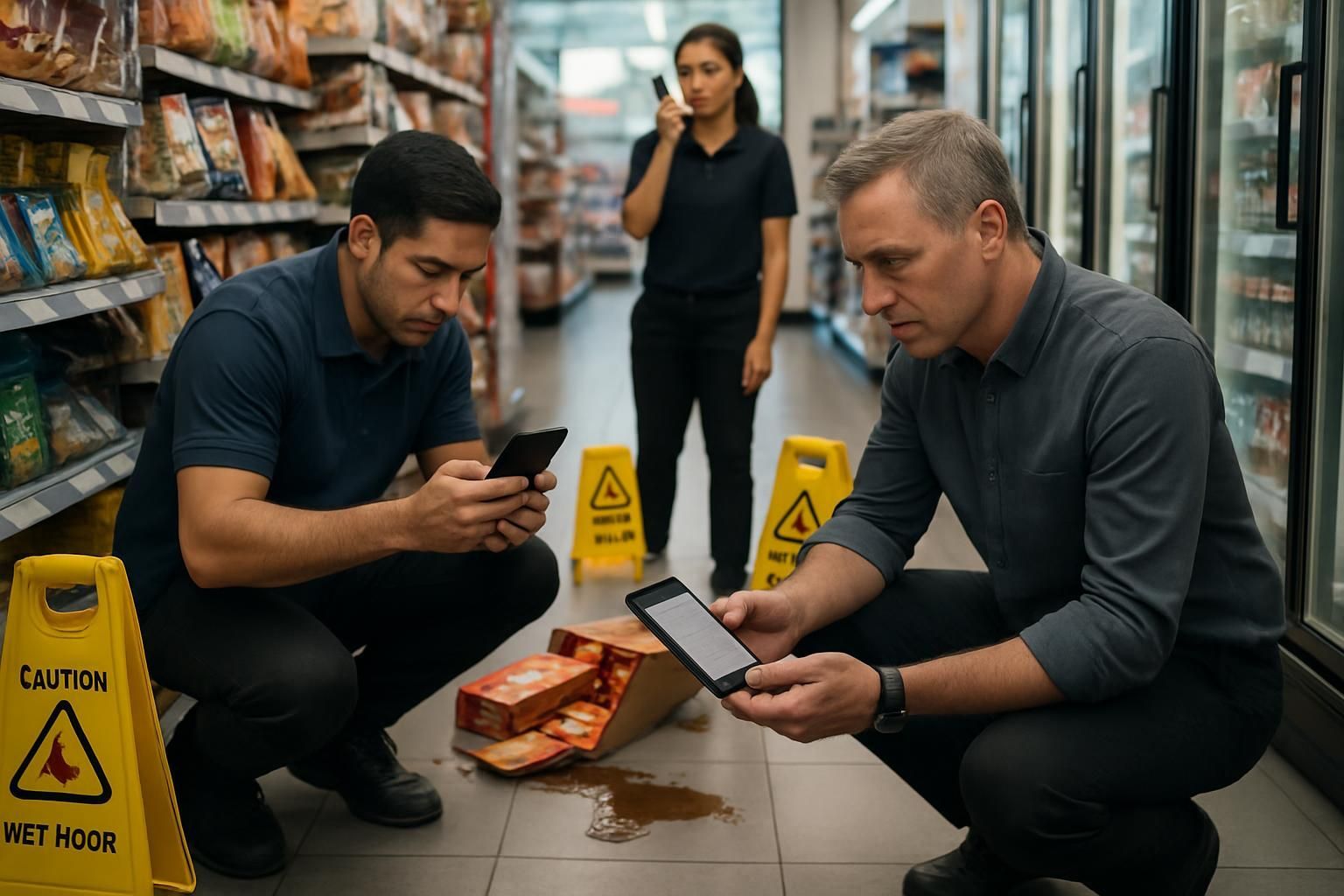
Download your incident escalation checklist
Please fill out the form below to access your free incident escalation checklist download.
About this incident escalation checklist
Incidents in retail move fast. The difference between a contained issue and a full-blown disruption is often acknowledgement, clear communication, and a consistent escalation rhythm. This retail incident escalation checklist gives frontline teams a practical way to contain risk, capture evidence, and keep the right people informed until the incident is resolved.
Use it for common high-frequency scenarios such as injury, aggression, theft, and system outages. It keeps actions consistent across stores and shifts — so you stop guessing and start knowing what to do next.
What this retail incident escalation checklist covers
This checklist guides teams through five essentials:
- Immediate containment and safeguarding — make the situation safe before anything else.
- Acknowledgement and comms cadence — confirm your escalation is received and agree update frequency.
- Evidence capture — record times, locations, witnesses, and CCTV windows while it’s still fresh.
- Scenario-specific actions — injury, aggression, theft, and system outage steps without overcomplication.
- Handover and close-out — clear ownership, next actions, and final acknowledgement.
When to use it (and when to escalate immediately)
Use this checklist as soon as an incident is identified — even if details are incomplete. If there is immediate danger, a serious injury, or a credible threat, prioritise safety and contact emergency services in line with your policy.
A simple rule: if you’re unsure whether it’s “serious enough”, escalate. Waiting for certainty is how small incidents turn into long disruptions.
Why acknowledgement matters in incident management
Most escalation failures are not about effort — they’re about assumptions. Someone thinks “the manager will have seen it” or “security will call back”. This checklist bakes in a basic but powerful control: an update is not complete until it’s acknowledged.
That single step reduces duplicated calls, missed handovers, and the silent gaps where incidents drift without an owner.
How to use this checklist on shift
- Start at the top and work down — the order matches real incident flow.
- Be factual: what happened, where, when, who is involved, and current risk.
- Set an update cadence (5, 15, 30 minutes, or hourly) and stick to it until resolved.
- Record the CCTV window early so evidence is easy to retrieve.
- Close out properly with a handover summary, next actions, and final acknowledgement.
Make escalation consistent across every store
Consistency is what turns incident response into operational performance. If you want every store to handle incidents the same way — with fewer missed steps and clearer accountability — you need a process that fits the frontline.
Ocasta replaces guesswork with in-the-moment guidance and a record of what was done, when, and by who. That means faster containment, cleaner handovers, and better insight into recurring issues.
Disclaimer: This checklist is for general guidance only and does not constitute legal, regulatory, health and safety, or professional advice. You are responsible for ensuring compliance with applicable laws, standards, and internal policies.
Included questions
Here's what's included in this incident escalation checklist:
Confirm the incident and make it safe (5)
Stabilise the situation first. If anyone is at risk, stop and escalate immediately.
-
Dropdown
What type of incident is this?
Choose the closest match. If multiple apply, pick the highest risk and note the rest later.
-
Yes/No
Is anyone in immediate danger right now?
If yes: prioritise safety, call emergency services if required, and move to a safe position.
-
Yes/No
Have you made the area safe and prevented further harm?
Examples: isolate the area, stop the activity, remove hazards, ask for support, keep exits clear.
-
Yes/No
If there is an injury, has first aid been provided or requested?
Use trained first aiders where available. Do not exceed your training.
-
Yes/No
If needed, have emergency services been contacted?
Call when there is serious injury, immediate threat, or you are instructed to by policy.
Acknowledge and communicate (6)
Stop guessing by making the incident visible to the right people fast, with a clear cadence until resolved.
-
Yes/No
Have you informed the duty manager or most senior person on site?
Share: what happened, where, who is involved, current risk level, and what you need next.
-
Yes/No
If applicable, have you informed security (on-site or remote)?
Use for aggression, theft, or any incident where personal safety or evidence handling matters.
-
Yes/No
If required, have you informed the central team (HQ, control room, or incident line)?
Follow your escalation route. If unsure, escalate rather than wait.
-
Yes/No
Has your escalation been acknowledged by the person or team you contacted?
An update is not complete until it is acknowledged. Record who acknowledged and when.
-
Dropdown
What update cadence have you agreed until the incident is resolved?
Pick a cadence that matches risk. Increase frequency if the situation changes.
-
Dropdown
What customer communication action have you taken (if needed)?
Keep it factual and calm. Do not share personal details or speculate.
Capture the facts and preserve evidence (7)
Record what you know now. Evidence is easiest to lose in the first 10 minutes.
-
Yes/No
Have you recorded the time the incident started and when it was noticed?
If unsure, estimate and label it as an estimate.
-
Text
Where did it happen (specific location)?
Example: ‘Front entrance, aisle 1 by promotional end cap’ or ‘Till 4’.
-
Text
Who is involved (names or descriptions)?
Include colleagues, customers, and any third parties. Avoid sensitive details unless required by policy.
-
Text
Have you recorded witness details?
Names, contact details where appropriate, and where they were standing.
-
Yes/No
Have you taken photos or written notes of the scene (where appropriate)?
Do not put yourself at risk. Follow your policy on photography and personal data.
-
Text
Have you noted the CCTV time window to review?
Example: ‘14:05–14:25’ and camera locations if known.
-
Yes/No
Have you preserved evidence and prevented tampering?
Examples: keep the area closed, keep items aside, avoid cleaning until authorised (unless needed for safety).
Apply the right response for the scenario (5)
Use the relevant steps below based on the incident type you selected.
-
Yes/No
If injury: have you completed the required incident or accident report?
Include what happened, contributing factors, and any immediate controls put in place.
-
Yes/No
If aggression: have you taken de-escalation and safeguarding actions?
Examples: create space, avoid confrontation, move colleagues to safety, request support, call police if needed.
-
Yes/No
If theft: have you followed the correct approach (no pursuit, safe reporting, evidence capture)?
Do not put yourself or others at risk. Follow policy for stop and detain, if applicable.
-
Yes/No
If system outage: have you applied the approved workaround and stabilised service?
Examples: switch to offline process, limit transactions, pause affected services, protect cash handling.
-
Text
If system outage: what time did the outage start and what systems are affected?
Example: ‘Tills down from 10:12, card payments intermittent, stock lookup unavailable’.
Handover and close out (5)
Make sure nothing is left in someone’s head. A clean handover prevents repeat incidents and wasted time.
-
Text
Summarise actions taken so far
Keep it short and factual. Include containment steps, who was contacted, and current status.
-
Text
What are the next actions and who owns each one?
Examples: ‘Call IT back at 11:30 — Sam’, ‘Review CCTV — duty manager’, ‘Complete report — team lead’.
-
Yes/No
Is the incident resolved and stable?
If no, keep the update cadence in place and ensure the owner is clear.
-
Yes/No
Has the final status been acknowledged by the manager or central team?
Close-out is complete only when the right person confirms receipt and next steps (if any).
-
Signature
Manager handover sign-off
Confirms the handover is complete and ownership is clear.