
Visit Evidence Capture Checklist
Download your visit evidence checklist
Please fill out the form below to access your free visit evidence checklist download.
About this visit evidence checklist
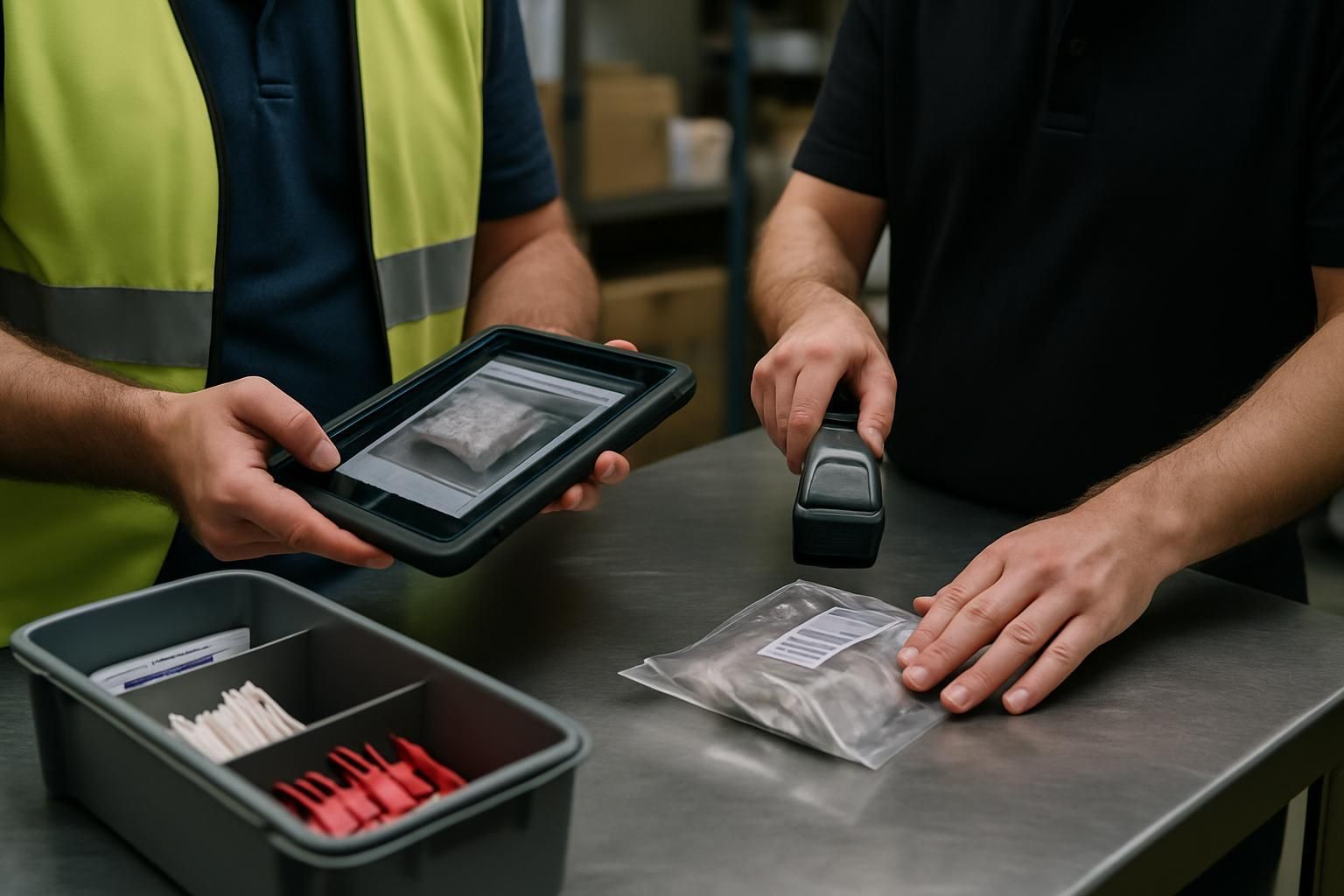
A visit evidence capture checklist keeps site visits consistent, fair, and actionable. Instead of relying on memory (or taking dozens of photos with no context), you leave every visit with evidence that proves what you saw, links back to the standard, and makes follow-up simple.
Use this checklist for routine operational visits, quality checks, and audits where you need a clear record of compliance, issues, and agreed actions.
What this checklist covers
- Preparation checks (standards, permissions, device readiness)
- On-arrival baseline evidence (so you can show the starting position)
- In-process evidence standards (photos, notes, measurements)
- Escalation criteria (what to raise immediately, and how to record it)
- Close-out actions (owners, due dates, sign-off, and follow-up)
Why evidence capture fails on most visits
Most teams don’t have an evidence problem — they have a clarity problem. Photos are taken without context, notes don’t reference the standard, and actions are agreed verbally then lost in someone’s inbox.
This checklist fixes that by standardising what “good evidence” looks like, and by baking in escalation and close-out steps so nothing critical gets missed. Stop guessing. Start knowing.
How to use the visit evidence capture checklist
- Keep it tight: capture the minimum evidence that proves the point and supports action.
- Go wide then close: take one context photo, then a close-up that shows the detail.
- Write notes for someone who wasn’t there: include who, what, where, and when.
- Link evidence to the standard: if you can’t explain the requirement, you can’t prove it.
- Close out on site: agree owners and due dates before you leave.
What “good” looks like
Good evidence is clear (easy to see), relevant (proves the requirement), and verifiable (someone else can confirm it later). If your evidence doesn’t change what happens next, it’s noise.
Common escalation triggers to include
Escalation should be consistent across sites and visitors. This checklist includes common triggers such as safety or legal risk, repeat failures, critical system outages, and privacy or security concerns — with a prompt to record who you contacted and when.
Make it work in Ocasta
Run this checklist in Ocasta to capture consistent evidence during site visits, spot patterns across locations, and turn findings into tracked actions. When evidence is structured, you get insight back — not just a folder of photos.
Disclaimer: This checklist is for general guidance only and does not constitute legal, regulatory, health and safety, or professional advice. You are responsible for ensuring compliance with applicable laws, standards, and internal policies.
Included questions
Here's what's included in this visit evidence checklist:
Before you start (prep and permissions) (6)
Set expectations, confirm access, and make sure your evidence will be usable before you step onto site.
-
Yes/No
Are the visit details confirmed (site, contact, purpose, time window)?
Avoid guesswork on arrival — confirm who you’re meeting and what “good” looks like for this visit.
-
Yes/No
Do you have the right standards to check against (policy, SOP, brand standards)?
Link to the latest version so your evidence matches the current requirement.
-
Dropdown
What evidence will you capture on this visit?
Choose the minimum set you need to prove compliance and performance.
-
Yes/No
Is your device ready (battery, storage, connectivity or offline mode)?
If signal is unreliable, switch to offline-first capture and sync later.
-
Yes/No
Are privacy rules and photography permissions confirmed for the site?
Do not capture personal data, faces, or customer information unless you have explicit approval and a clear purpose.
-
Yes/No
Have you notified the right stakeholders (site lead, operations contact, compliance if needed)?
Make it easy for the site to support the visit and reduce disruption.
On arrival (baseline evidence) (4)
Capture a clear starting point so you can prove what you saw, when you saw it, and where.
-
Text
Record arrival time and location notes
Include any access issues, delays, or restrictions that could affect what you can check.
-
Person
Who is your on-site contact for this visit?
Select the person responsible for supporting the visit and confirming close-out actions.
-
Yes/No
Have you captured baseline evidence of the area(s) in scope?
Take wide shots first, then close-ups. Make sure photos are clear and show context.
-
Yes/No
Is the scope confirmed with the site lead (areas, timing, any exclusions)?
If anything is out of scope or blocked, record why and who agreed it.
During the visit (evidence capture standards) (7)
Capture evidence that is specific, time-relevant, and easy for someone else to verify later.
-
Yes/No
Is each piece of evidence clear, relevant, and verifiable?
If someone wasn’t there, could they still understand what the photo or note proves?
-
Yes/No
For each issue, did you capture both context and close-up photos?
Context shows location and scale; close-up shows the detail.
-
Yes/No
Do your notes include who, what, where, and when?
Add the exact standard or requirement where possible.
-
Dropdown
How is the evidence linked to the required standard?
Make the reason for capture explicit so follow-up is straightforward.
-
Yes/No
Where measurements are required, have you captured them and the method used?
Example: temperature, distance, stock count, or time-to-complete. Record the tool or source.
-
Dropdown
How would you rate any issues found?
Use this to prioritise actions and escalations.
-
Yes/No
Have you avoided duplicate evidence and captured only what’s needed?
Too much evidence creates noise. Capture what proves the point and supports action.
Escalation criteria (when to raise it now) (5)
Make escalation consistent. If any trigger applies, escalate immediately and record what you did.
-
Yes/No
Is there any safety, legal, or safeguarding risk that requires immediate escalation?
If yes: stop and escalate through the agreed route before continuing.
-
Yes/No
Is this a repeat failure that has not been fixed since the last visit?
Include previous reference details in your notes so it can be tracked properly.
-
Yes/No
Is a business-critical system down or unreliable (payments, refrigeration, access, security)?
Capture evidence and escalate to the responsible team immediately.
-
Yes/No
Is there a data, privacy, or security concern (e.g. exposed customer data, unsecured access)?
Do not include sensitive data in photos. Record the issue safely and escalate.
-
Text
If you escalated, what did you do and who did you contact?
Include time, channel used, and any reference number.
Close-out (actions, sign-off, and follow-up) (6)
Turn evidence into action. Agree next steps, owners, and dates while you’re still on site.
-
Yes/No
Have actions been agreed with an owner and due date for each issue?
If an action can’t be agreed, record why and who needs to decide.
-
Yes/No
Have you shared a short summary with the site lead before leaving?
Focus on what matters: what’s working, what needs fixing, and what happens next.
-
Signature
Capture site sign-off (acknowledgement of findings and actions)
Sign-off confirms the conversation happened — it doesn’t have to mean agreement with every point.
-
Yes/No
Is all evidence uploaded, correctly tagged, and linked to the right items?
Make it easy to find later: location, area, standard, and date.
-
Dropdown
What follow-up is needed?
Choose the lightest follow-up that still removes the risk.
-
Text
Record departure time and any final notes
Include anything that could explain gaps in evidence (restricted areas, time constraints).