
Visit Note-taking Checklist
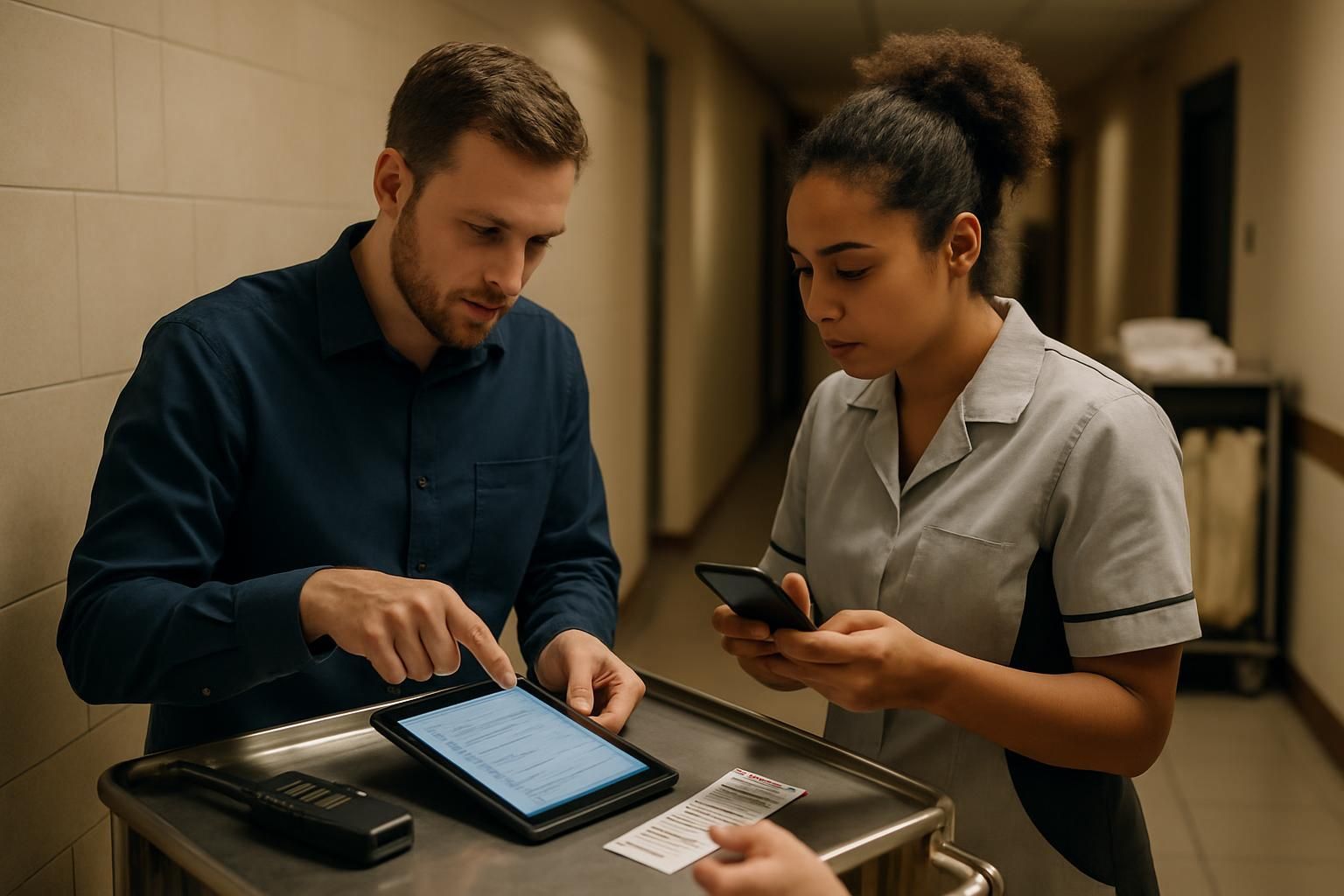
Download your visit notes checklist
Please fill out the form below to access your free visit notes checklist download.
About this visit notes checklist
Site visits only work when the notes are clear, consistent, and easy to act on. This visit note-taking checklist gives operations teams a simple structure to capture what happened, link it to the standard, and agree next steps — without relying on memory.
It covers preparation, in-visit note discipline, escalation criteria, and close-out actions, so you stop guessing and start knowing what’s really happening on the ground.
What this visit note-taking checklist covers
- Pre-visit prep: purpose, standards, and previous actions
- In-process note-taking: factual evidence, priorities, and action clarity
- Escalation triggers: when to stop, make safe, and raise issues fast
- Close-out: confirm owners, due dates, and follow-up checks
Who it’s for
This checklist is for operations teams running site visits, audits, and performance walkarounds — including area managers, regional leaders, and anyone expected to leave a site with clear actions and reliable evidence.
How to use it on a real visit
Before you arrive, confirm the purpose of the visit and open the latest standard. If you cannot point to what “good” looks like, your notes will turn into opinions — and opinions create rework.
During the visit, write notes that a colleague could understand without being there: what you saw, where, and why it matters. Link each finding to a standard and capture evidence where appropriate. Turn every issue into a clearly owned action with a due date.
Escalate early if there is an immediate safety or legal risk, active customer impact, repeat failures, or an issue the site cannot fix alone. Good escalation notes are short, factual, and include what’s already been tried.
Close out on-site with a quick recap: what’s going well, the top risks, and what happens next. If action owners cannot repeat back the action and due date, it is not clear enough yet.
Common pitfalls this checklist prevents
- Vague notes that do not link to a standard
- Actions with no owner or no due date
- Repeat issues that never get properly unblocked
- Late escalation when the risk was obvious earlier
- Close-outs that leave teams guessing what to do next
Want visit notes that turn into action automatically?
Ocasta replaces scattered documents and inconsistent write-ups with structured checklists, clear actions, and real-time visibility. Frontline teams know what’s expected in the moment, and leaders can see patterns across sites without chasing updates.
Disclaimer: This checklist is for general guidance only and does not constitute legal, regulatory, health and safety, or professional advice. You are responsible for ensuring compliance with applicable laws, standards, and internal policies.
Included questions
Here's what's included in this visit notes checklist:
Before the visit (8)
Prepare so you can capture consistent, useful notes without relying on memory.
-
Yes/No
Is the purpose of the visit clear?
Write one sentence: what you’re here to confirm, improve, or unblock.
-
Yes/No
Do you have the latest standards, policy, or brief to reference?
Avoid guessing what ‘good’ looks like — open the current version before you arrive.
-
Yes/No
Have you reviewed last visit notes and open actions?
Bring forward anything overdue or blocked so it gets resolved on-site.
-
Yes/No
Is there a simple agenda and time plan?
Include: arrival, walkthrough, key conversations, evidence capture, close-out.
-
Person
Who do you need to speak to during the visit?
Select the manager or key owners for the areas you’ll cover.
-
Dropdown
Which note structure will you use?
Pick one structure and stick to it for consistency across sites.
-
Yes/No
Is your device ready for evidence capture?
Check battery, connectivity, and permissions for photos if your process requires them.
-
Yes/No
Do you know what not to record in notes?
Avoid personal data and anything confidential beyond what your process requires. Keep notes factual.
During the visit (11)
Capture clear, factual notes that link evidence to standards and actions.
-
Unit
Record arrival time
Use 24-hour time (HH:MM).
Target range: 0 - 0 (Distance) -
Text
What’s the site context today?
Note anything that changes the picture (staffing, delivery issues, systems down, unusual footfall).
-
Yes/No
Have you completed a structured walkthrough?
Follow the same route each visit to reduce missed areas and inconsistent reporting.
-
Yes/No
Are your notes factual and specific?
Write what happened and where. Avoid vague phrases like “not great” or “needs improvement”.
-
Yes/No
Is each key note linked to a standard or expectation?
If you can’t link it, ask: why are we recording it?
-
Dropdown
What evidence did you capture for the key findings?
Choose the primary evidence type used most on this visit.
-
Yes/No
Have you recorded at least one example of good practice?
Recognition reduces guesswork — it shows teams what ‘right’ looks like, not just what’s wrong.
-
Dropdown
How are you prioritising issues in your notes?
Use a simple severity model so actions match the risk.
-
Yes/No
Are actions written as clear next steps?
Each action should include: what, owner, due date, and how completion will be verified.
-
Yes/No
Is every action assigned to an owner?
If no owner, it’s not an action — it’s a wish.
-
Yes/No
Does every action have a due date?
If you can’t set a date, capture what’s blocking and who will remove the blocker.
Escalation criteria (7)
Escalate early when the risk is high or the site cannot resolve it alone.
-
Yes/No
Is there any immediate safety or legal risk?
If yes: stop, make safe, and escalate via your agreed process straight away.
-
Yes/No
Is this a repeat issue from previous visits?
If yes: record what was attempted, what failed, and what support is needed to close it.
-
Yes/No
Is there active customer impact right now?
Note the customer-facing symptom, scale, and what immediate mitigation is in place.
-
Yes/No
Is there a systems or equipment failure the site cannot fix?
Capture the error, time observed, steps taken, and who you escalated to.
-
Yes/No
Is there a fraud, security, or safeguarding concern?
Keep notes factual and minimal. Escalate immediately using the correct confidential route.
-
Person
Who did you escalate to (if needed)?
Select the person accountable for the next step.
-
Text
Record escalation reference or ticket number
Include channel used (phone/email/ticketing) and time raised.
Close-out and follow-up (7)
Make sure the site leaves the visit knowing exactly what happens next.
-
Yes/No
Have you completed a close-out conversation on-site?
Summarise: what’s going well, top risks, agreed actions, and timelines.
-
Yes/No
Have action owners confirmed they understand the next steps?
Ask them to repeat back the action and due date to remove ambiguity.
-
Yes/No
Have you cleaned up notes for clarity?
Remove duplicates, expand shorthand, and make sure someone else could understand the context.
-
Text
Write the visit summary (3–5 bullet points)
Focus on outcomes: key wins, key risks, and what will change next.
-
Dropdown
When is the follow-up check?
Pick the next touchpoint based on risk and urgency.
-
Unit
Record departure time
Use 24-hour time (HH:MM).
Target range: 0 - 0 (Distance) -
Signature
Checklist sign-off
Confirm the notes are complete, accurate, and ready to share.