
Warehouse Picking Checklist
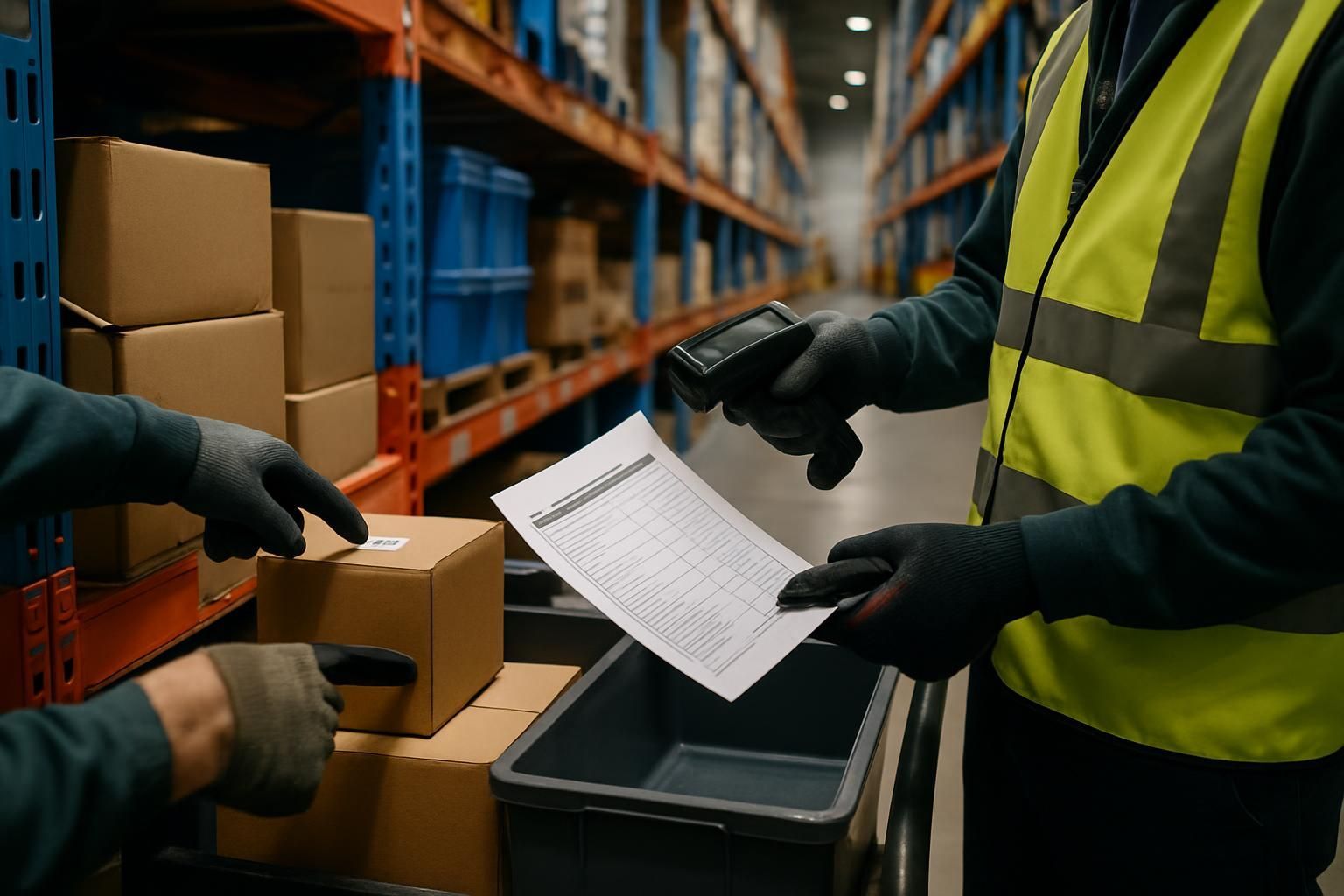
Download your warehouse picking checklist
Please fill out the form below to access your free warehouse picking checklist download.
About this warehouse picking checklist
This warehouse picking checklist gives operations teams a simple way to verify the essentials before, during, and after picking. It replaces “I think it’s fine” with clear standards — so accuracy improves, exceptions get escalated early, and the shift ends with a clean handover.
What this warehouse picking checklist covers
Picking errors rarely come from a lack of effort. They come from small moments of guesswork: an unverified location, a similar-looking SKU, a rushed quantity count, or an exception that never gets recorded. This checklist focuses on the high-impact checks that prevent mis-picks and protect flow.
- Preparation checks (PPE, device readiness, safe work area)
- In-process accuracy checks (location, SKU, quantity, condition, labelling)
- Safety and flow checks (housekeeping, blocked routes, replenishment triggers)
- Clear escalation criteria for exceptions (stockouts, damage, system issues)
- Close-out actions and handover notes for the next shift
When to use it
Use this checklist at the start of a picking wave, during routine picking, and at shift close. It works well for single-order picking, batch picking, and zone picking — and it is especially useful when you have new starters, temporary staff, or seasonal volume spikes.
Escalation criteria (stop guessing, create a next step)
If any of the following happen, the checklist prompts an escalation so the issue is owned and tracked — instead of being worked around:
- Stock not found, or the wrong stock is in the pick location
- Damaged, leaking, or unsafe product or packaging
- Blocked or unsafe access (for example, unstable pallets or damaged racking)
- Scanner, device, or system issues that prevent accurate confirmation
- Unclear picking instructions or special handling requirements
How to get the best results
Keep it consistent. Ask every picker to complete the same checks, in the same order, and capture exceptions with enough detail to fix root causes (not just symptoms). Over time, the data shows where errors start: locations, SKUs, replenishment timing, equipment issues, or training gaps.
Want fewer mis-picks and faster handovers?
Turn this checklist into a live, trackable workflow with evidence, follow-ups, and real-time visibility across sites. Stop guessing. Start knowing.
Disclaimer: This checklist is for general guidance only and does not constitute legal, regulatory, health and safety, or professional advice. You are responsible for ensuring compliance with applicable laws, standards, and internal policies.
Included questions
Here's what's included in this warehouse picking checklist:
Before you start (8)
Set yourself up for a safe, accurate pick — and reduce avoidable rework later in the shift.
-
Yes/No
Are you assigned to the correct shift, zone and pick wave?
Check your name, zone, wave ID and start time match the plan.
-
Yes/No
Is your scanner or device working and logged in?
Confirm battery level, connectivity, and that the correct app and profile are active.
-
Percentage
Device battery level
If below the site threshold, swap or charge before starting.
-
Yes/No
Are you wearing the correct PPE for the area?
Follow site rules (for example: safety shoes, hi-vis, gloves, eye protection where required).
-
Yes/No
Is your starting area clear and safe to work in?
Look for spills, loose wrap, blocked walkways, damaged racking, or unstable pallets.
-
Dropdown
MHE pre-use check status
Only select 'Not applicable' if you are not using any MHE today.
-
Yes/No
Are totes, cages, carts or pallets in good condition?
No broken wheels, sharp edges, cracked totes, or damaged pallets.
-
Yes/No
Do you understand priority orders and special handling rules?
Examples: chilled, fragile, hazardous, high-value, serialised items, or customer-specific packing rules.
Picking accuracy (every pick) (8)
These checks prevent the most common causes of mis-picks: wrong location, wrong item, wrong quantity, and poor handling.
-
Yes/No
Did you scan or verify the location before picking?
Match location code to the pick instruction before touching stock.
-
Yes/No
Does the SKU and description match the pick instruction?
If it looks similar but not identical, stop and verify.
-
Yes/No
Does the quantity picked match the instruction?
Count carefully, especially for split cases and mixed locations.
-
Dropdown
Date code or batch check (if required)
Follow site rules (for example: FEFO, FIFO, or customer-specific batch selection).
-
Dropdown
Item condition check
Look for damage, leaks, broken seals, crushed cartons, or contamination.
-
Yes/No
Are items placed in the correct tote, cage, or pallet for the order?
Avoid mixing orders unless your process explicitly allows it.
-
Yes/No
Are heavy items placed at the bottom and stacked safely?
Prevent crush damage and manual handling injuries.
-
Dropdown
Labelling check
Use the correct label type and place it where it can be scanned.
In-process safety and flow (5)
Keep picking moving without cutting corners — safety and speed come from good flow, not guesswork.
-
Yes/No
Are walkways, fire exits, and access routes kept clear?
Do not park carts or pallets in marked routes or near emergency equipment.
-
Yes/No
Are you using correct manual handling techniques?
If an item is too heavy or awkward, use lifting aids or ask for help.
-
Dropdown
Stock rotation followed
Select the correct method for your site and product type.
-
Dropdown
Replenishment status for your area
If locations are repeatedly empty, report it early to prevent downtime later.
-
Dropdown
Housekeeping issues
Examples: loose wrap, empty cartons, spills, broken pallets, or debris.
Exceptions and escalation (5)
When something is off, the goal is simple: stop guessing and create a clear next step.
-
Dropdown
Did you encounter an exception during picking?
Select the most relevant option. If multiple, record the most serious and add detail below.
-
Person
Who did you escalate the exception to?
Pick the team lead, supervisor, inventory control, or maintenance contact as per your process.
-
Text
Exception notes and evidence
Include location, SKU, quantity expected vs found, and what you did next. Add photo evidence if your process requires it.
-
Dropdown
Quarantine or hold action (if needed)
Use this when stock is damaged, unsafe, or suspected incorrect.
-
Yes/No
Did you stop work due to a safety-critical issue?
Stop work for risks like unstable racking, serious spills, exposed electrics, or unsafe MHE.
Close-out and handover (6)
Finish cleanly so the next team can keep flow and accuracy without re-checking your work.
-
Dropdown
Pick completion status
If not complete, record what remains and why.
-
Yes/No
Are picked orders staged in the correct area and clearly identified?
Use the correct lane, bay, or staging zone to prevent mis-shipments.
-
Dropdown
Returns and damages handling
Only select 'Not applicable' if none occurred during your shift.
-
Yes/No
Is your work area left clean and safe?
Remove waste, return equipment, and leave walkways clear.
-
Text
Handover notes for the next shift
Call out shortages, repeated empty locations, system issues, and any urgent follow-ups.
-
Signature
Picker sign-off
Confirm this checklist reflects the work completed and exceptions raised.