
 ChatGPT
This release focuses on making everyday work easier to pick up, move through, and manage. You can now assign tasks to locations, giving teams the flexibility to act in the moment without relying on named individuals. The app switcher is now available across every Ocasta hub, with a new favourites feature so people can quickly get back to what matters.
Assign tasks to a location
Inspections & Checklist Hub
Observations & Coaching Hub
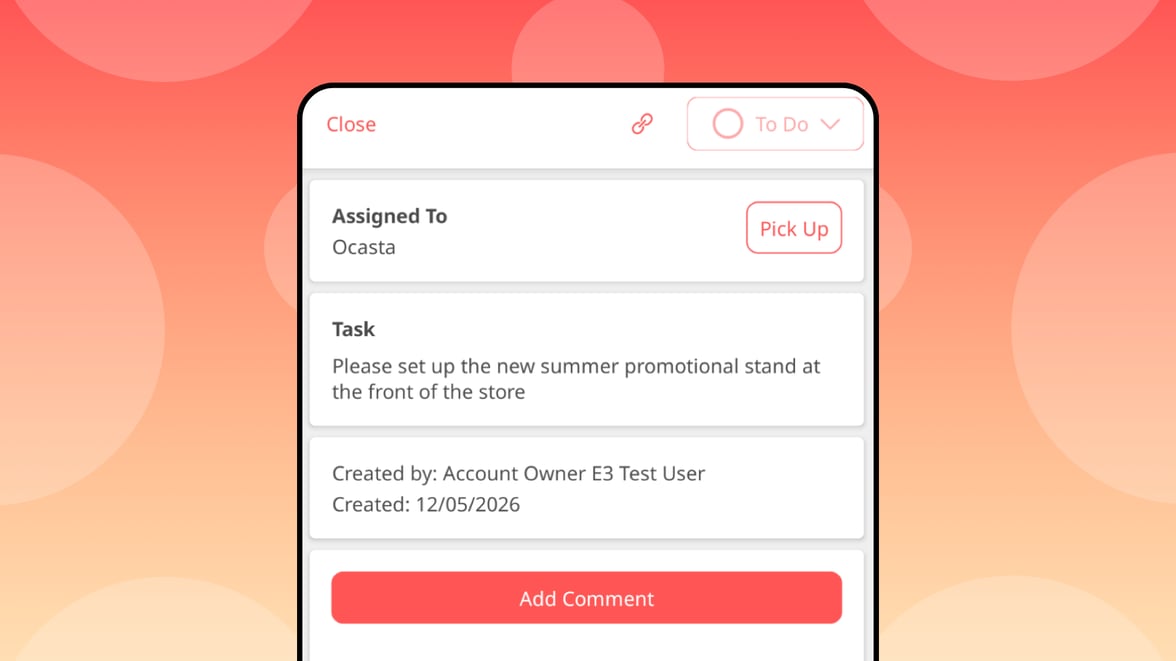
Sometimes, it doesn’t matter who completes a task — it just needs to be done. Assigning a task to a location lets your team pick it up when it makes sense, without slowing things down by choosing a specific person.
For example, cleaning a dirty window at a location doesn’t need a named individual, it just needs someone there to get it done.
You can now assign tasks to a location instead of a specific person, so the right person can pick it up when it matters. Tasks show the assigned location, and anyone with access can take ownership using the Pick Up button. You can still assign the task to an individual if needed, with all actions tracked in the activity log.
You can create these tasks as part of a review or as a direct task — giving you flexibility in how work gets done across your locations.
Save and organise your favourites
Core Platform
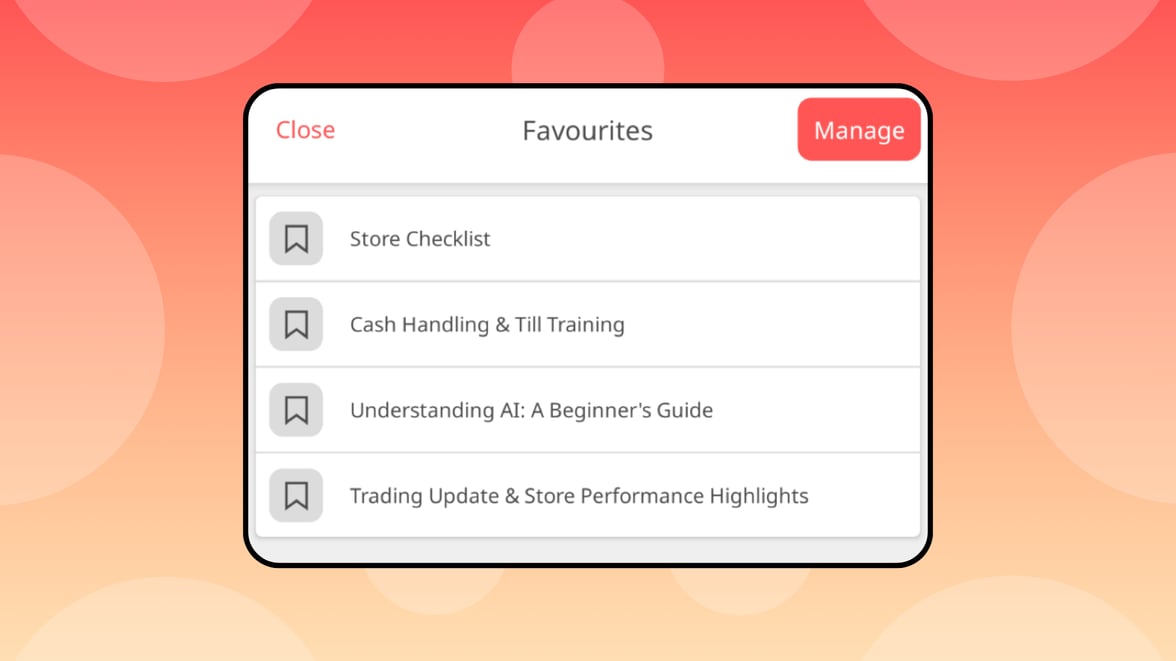
You can now save content to a personal favourites list in the app switcher — a feature that’s now available across all hubs.
Add articles, news, courses, and reviews, then come back to them anytime from the same menu. You can easily remove items as needed.
You can turn favourites on or off in the Branding section of the admin.
App switcher now available across all hubs
Core Platform
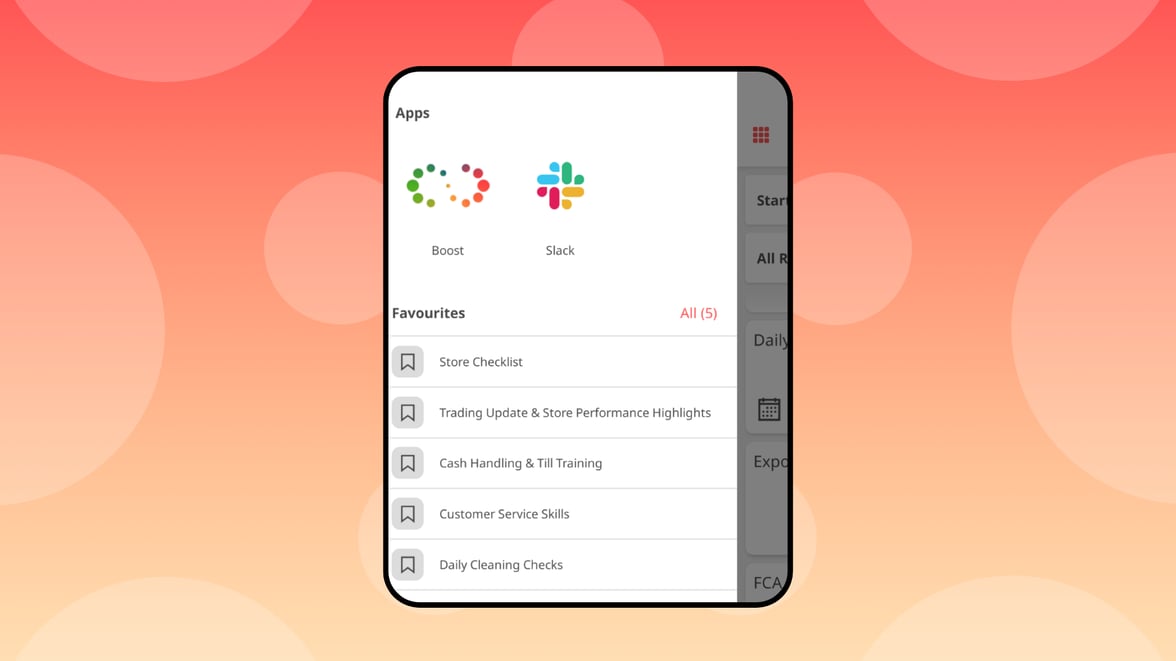
The app switcher is now available across every hub in Ocasta, so your team can easily access external tools from wherever they’re working.
Add your commonly used apps, like scheduling or payroll, into the app switcher to give your teams quick access to the tools they use every day.
Other improvements
Some smaller improvements to keep the platform running smoothly for you:
- We’ve updated the permissions matrix to make it much easier to understand who can see and do what. You can now also copy existing roles, giving you a simple starting point when roles only need small changes.
- In the admin, when viewing articles, you’ll now be able to see at a glance if they contain questions, tasks, or tests — without needing to open the article.